Software SPC per Windows Excel®
EASY ACQUISITION™
Easy Acquisition™ è il software Marposs per acquisizione misure e analisi statistica (SPC) con funzionalità di base, adatto per applicazioni manuali semplici con acquisizione statica della misura o dinamica, eseguita mediante rotazione manuale, con un campionamento limitato (40 campioni/s).
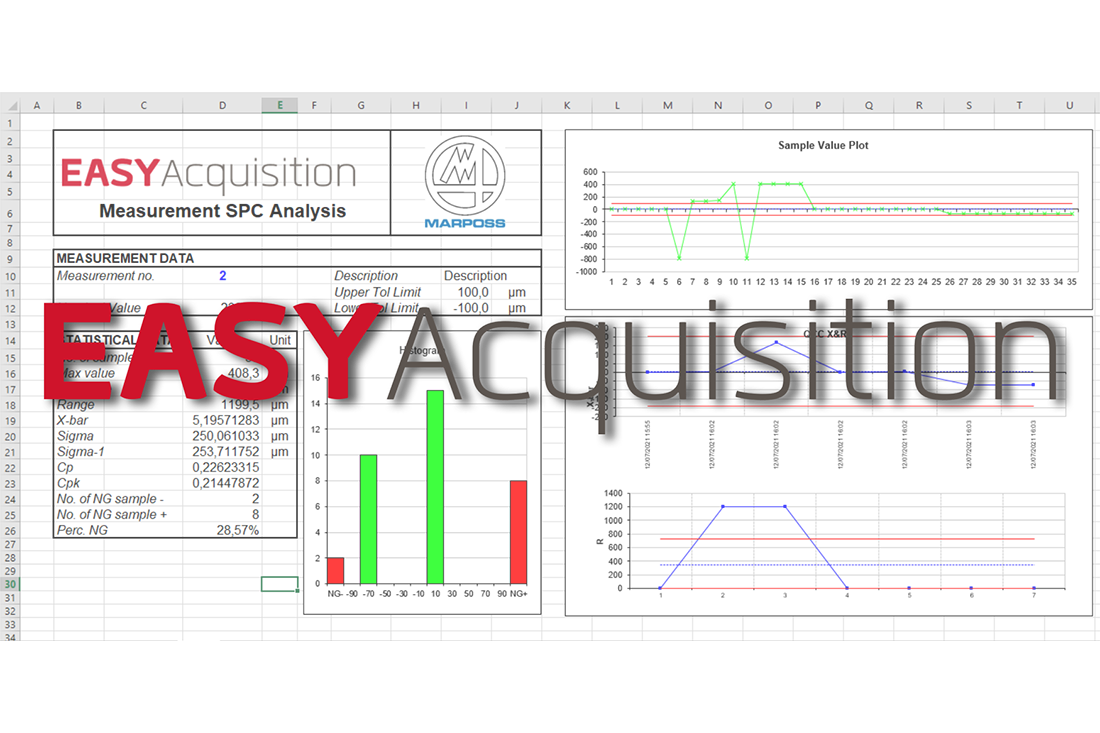
Easy Acquisition consente di usare un foglio Excel per l’esecuzione delle seguenti funzioni:
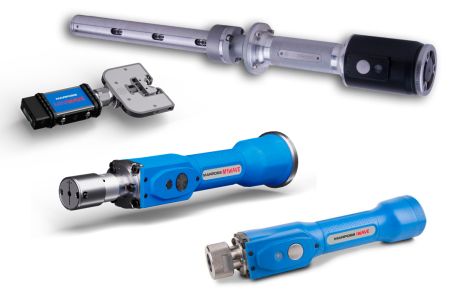
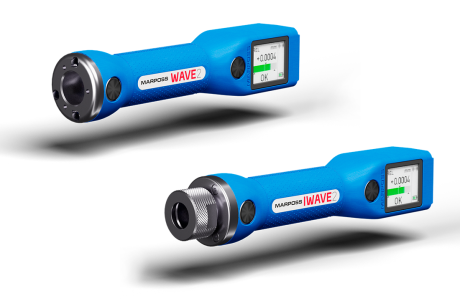
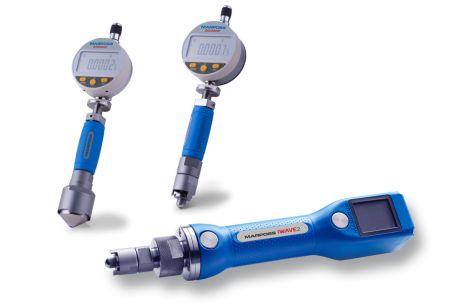
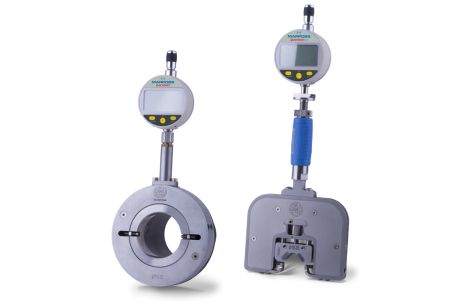
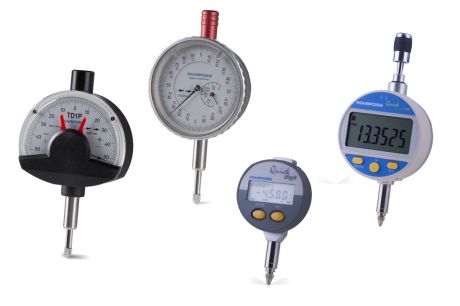
• Acquisizione dei valori di misura dalle unità di visualizzazione Marposs E4N e Quick Read, dalle interfacce Easy Box™, DigiCrown, GagePod, U-Com, dagli apparecchi wireless della famiglia Wave, dagli indicatori wireless Quick Digit Bluetooth, da dispositivi seriali di altri produttori
• Creazione e visualizzazione di misure con valori di tolleranza e stato
• Gestione degli azzeramenti delle misure (se necessario)
• Raccolta dati dei valori delle misure effettuate
• Analisi statistica di base (SPC) dei valori di misura memorizzati nella raccolta dati (Istogrammi, carta dei Valori Singoli, carta X&R)
• Stampa dei valori raccolti e dei valori statistici (reporting)
• Gestione di segnali di input/output per comandare l’acquisizione (funzioni start/stop, cancellazione, azzeramento, etc.) sostituendo il mouse del pc, e inviare feedback all’utente
E’ possibile configurare un’applicazione che utilizza più driver e dispositivi diversi in mix. La formula Wizard semplifica la programmazione della formula di misura, definendo i tipi di misura da eseguire ed i relativi sensori coinvolti. Easy Acquisition™ fornisce automaticamente l’elaborazione statistica, i cui dati vengono visualizzati in formato sia numerico che grafico (Istogrammi, carta dei Valori Singoli,carta X&R)
- software di facile uso e apprendimento, lavora su una piattaforma Excel e consente di utilizzarne un normale foglio di lavoro
- semplice e rapida configurazione del driver del prodotto da usare, attraverso un numero limitato di passi;
- gli utilizzatori possono sviluppare le proprie macro di Excel utilizzando il linguaggio VBA allo scopo di realizzare funzioni che soddisfino l’applicazione;
- ideale per eseguire raccolta dati ed analisi statistica di base con applicazioni che non richiedono una analisi statistica particolarmente approfondita;
- semplice ma di elevate prestazioni: consente l’acquisizione dei valori di misura dalle unità di visualizzazione Marposs E4N e Quick Read, dalle interfacce Easy Box™, DigiCrown, GagePod, U-Com, dagli apparecchi wireless della famiglia Wave, dagli indicatori wireless Quick Digit Bluetooth, da dispositivi seriali di altri produttori
- Sistema operativo: Windows® XP SP3 / Windows 7 / Windows 10 a 32 bit e 64 bit
- Microsoft Excel® 2010 o successivo a 32 bit
Il pacchetto Easy Acquisition software viene fornito con un dongle USB da collegare al pc su cui si vuole effettuare l’installazione.
Easy Acquisition™ e Merlin Plus SW™: acquisizioni SPC sul vostro PC – Video Tutorial

BROCHURES AND MANUALS
| Catalogo | |
|---|---|
| Inglese |
EASY ACQUISITION: (201.86kB)
PRECISION GAUGING - Reference Guide: (28.06MB) |
| Italiano |
EASY ACQUISITION: (208.74kB)
|
| Giapponese |
MANUAL GAUGING - Reference Guide: (25.51MB)
|
| Cinese Semplificato |
PRECISION GAUGING - Reference Guide: (21.09MB)
|